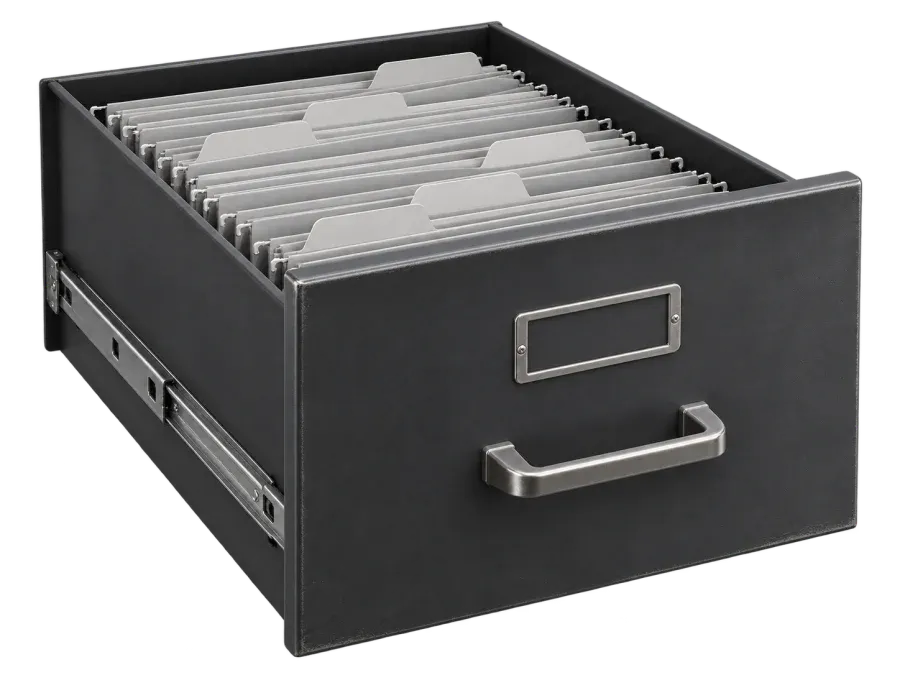




Intelligent document management.

ArchiDoc is document management software for scanning, filing and finding your documents with OCR and AI. Manage access from one platform.

Request a demo

Shall we call you back?

Leave your phone number. The ArchiDoc team will call to answer your questions.

Watch the film

ArchiDoc on video

From the first scan to the right answer.

Follow a document from capture to search, with OCR, automatic filing and AI along the way.

French audio 1:20

The ArchiDoc platform

Your documents, in one place.
Ready to find and share.

  • Centralized documents
  • OCR scanning
  • Document sharing
  • Document dashboard
  • AI-assisted filing
  • Access controls
  • Activity history
  • User roles
  • Data encryption
  • Web and mobile

Document management

Are your documents still scattered?

When files are split between email, paper archives and shared drives, finding the right version takes time.

Naming, sorting and indexing documents by hand leaves teams with less time for their work.

Without clear roles and activity history, it’s harder to follow how documents are shared or changed.

How it works

From paper to searchable documents.

Capture your documents

Add existing files from your computer or capture paper documents with your scanner or phone.

For your team

Find documents wherever you work

Scan, classify and consult your archives from the same document platform on web or mobile.

Search by keyword, metadata or text extracted from scanned files.

Group documents by client, project or department so your team can browse related files together.

ArchiDoc is available on the web and on iOS and Android.

For your company

Decide who can access each document

Manage document access, roles and permissions from a single dashboard.

Set which people or groups can view, edit or share documents.

Add a user or group, then assign the permissions they need.

Update or revoke their permissions when their role changes or they leave.

Access givenRules setAccess removed

Team record

Sales

4 people Mail CRM Sales files
PersonTeamAccess
KenJoined todayDesignAccess given
MariaSince MarchSalesOn
SamLast daySalesAccess removed
LinaSince JuneSupportOn
TomMoved to SalesSalesAccess given
Sample access · Sam has no access

Beyond the setup

Why organizations
choose ArchiDoc

Creative agency

Onboarding a freelancer · Example workflow

Share the design brief and project folder with a freelancer in a dedicated workspace. When the work is done, remove their access from one place.

1 of 4

Share the folders a collaborator needs and manage their permissions from one place.

Explain where client files live and who can access them.

Use OCR and AI to sort recurring documents such as invoices and contracts.

Add people and change permissions from the same workspace as your team grows.

Associate documents with a client, project or department.

Security & privacy

Protect your documents.
Keep access
under control.

ArchiDoc uses data encryption and access controls to protect documents.

FAQ

A few common
questions.

OCR reads scanned text so the content is searchable, even in a document that started on paper.

Yes. You can share documents and decide what users or groups can see, edit or share.

The team can help you set up the platform, migrate your documents and train your users.

Open the presentation film to see scanning, automatic filing, search and AI in action.

Manage your documents
from one place.

See how ArchiDoc brings document storage, search and access management together.

WhatsApp